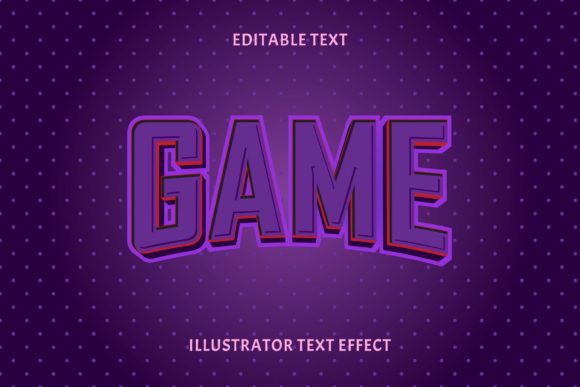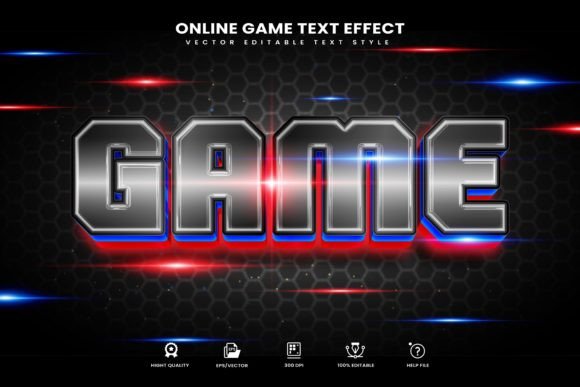
Game Theme Editable Text Effect: Instant Visual Impact
What Exactly Is This Design Asset?
If you have ever tried to create a "gamer" aesthetic from scratch, you know it is tedious. You are usually wrestling with layer styles, clipping masks, and custom gradients just to get that polished, arcade-ready look. The Game Theme Editable Text Effect is essentially a shortcut to that professional finish. It is a collection of vector text style effects designed specifically for Adobe Illustrator.
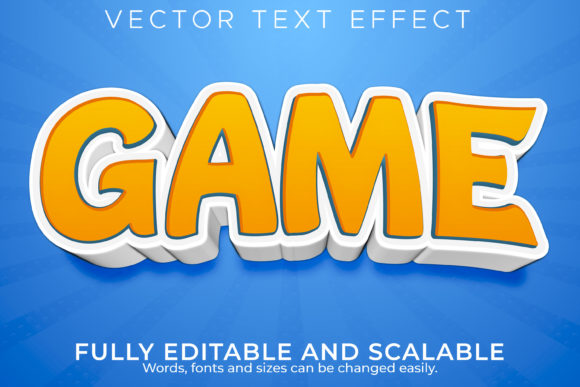
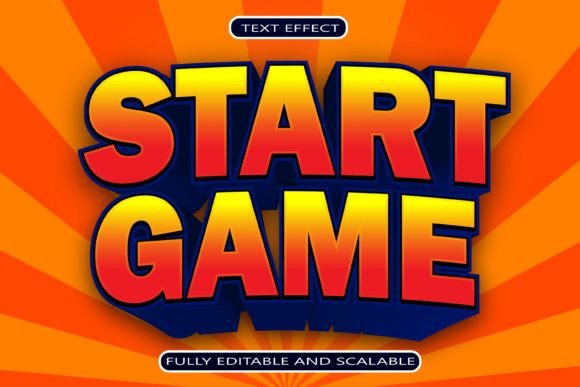
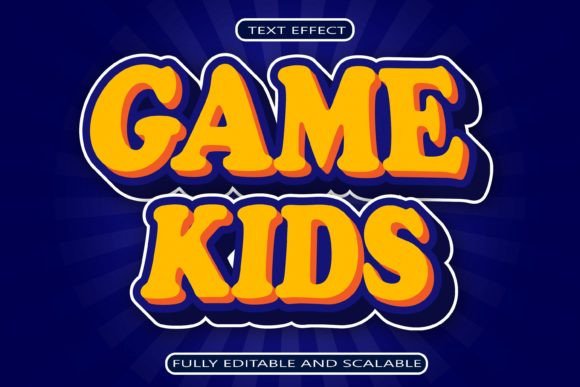
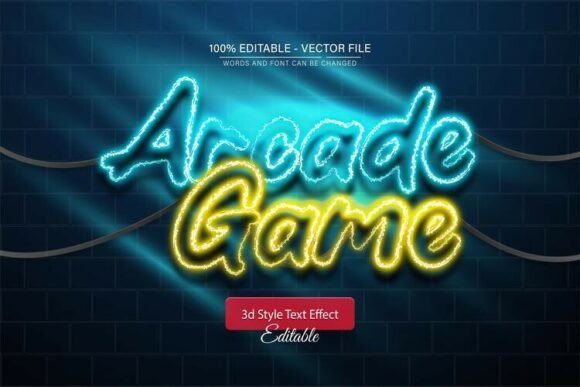
Unlike raster effects that pixelate when you resize them, these are 100% editable vectors. The visual style leans heavily into the modern gaming aesthetic—think bold dimensionality, vibrant color overlays, and sharp, high-contrast edges. It captures the energy of competitive esports, retro arcades, or futuristic sci-fi interfaces. The personality of this typeface effect is aggressive and commanding; it demands attention immediately, which is exactly what you need when designing for a demographic that values high-energy visuals.
The "editable" part is the real selling point here. You are not just getting a static JPEG of cool text. You are getting a Graphic Style that you apply to any font or shape in Illustrator. This means you can take a standard sans serif font and instantly transform it into a 3D, textured gaming header. It bridges the gap between a standard typeface and a complex graphic design element without requiring advanced skills in lighting or perspective.
Practical Applications for Designers and Entrepreneurs
While the name suggests this is strictly for video games, the utility of the Game Theme Editable Text Effect extends much further. Any project that requires a "hype" factor or a sense of technological precision benefits from this style. Here is where I see it fitting best in the real world:
- Esports and Event Branding: This is the obvious winner. If you are designing team logos, tournament banners, or streaming overlays for Twitch and YouTube, this effect provides the consistency required for a professional brand identity. It helps small business owners in the gaming niche look like major studios.
- Product Packaging and Merch: If you are selling tech accessories, energy drinks, or streetwear aimed at a younger demographic, this style works wonders. It translates perfectly to screen printing on t-shirts or embossing on packaging because of its vector nature.
- Social Media and Marketing: Content creators and marketers need to stop the scroll. A standard post gets ignored, but a post with bold, 3D typography stands out in a crowded feed. Use this for sale announcements, podcast covers, or YouTube thumbnails to increase click-through rates.
- Editorial and Poster Design: For publishers working on sci-fi book covers or bloggers writing about technology, using this effect for pull quotes or headers adds a layer of immersion that standard modern typography cannot achieve.
Improving Visual Hierarchy and Readability
One of the biggest mistakes in graphic design is using decorative styles for body copy. You should never use the Game Theme Editable Text Effect for long paragraphs. It is a display font style intended for headlines, sub-headers, and call-to-action buttons.
When used correctly, it drastically improves your visual hierarchy. The eye is naturally drawn to the object with the most contrast and depth. By applying this effect to your main headline, you immediately establish the most important information. The rest of your design—body text, navigation, secondary details—should use a cleaner serif font or a simple sans serif font to provide contrast.
Regarding font pairing, simplicity is key. Because the Game Theme style is complex, your supporting typeface needs to be quiet. A geometric sans-serif like Montserrat or a clean serif like Playfair Display works well. The contrast between a highly stylized game header and a clean body text creates a professional balance. It prevents the design from looking cluttered while maintaining that high-energy gaming vibe.
Getting the Most Out of the Vector Files
Because this product includes EPS and AI files, you have total control. If you are using Adobe Illustrator CC or above, the workflow is incredibly smooth. The "one-click" application via the Graphic Styles menu is a massive time-saver, but do not be afraid to tweak the settings.
Since these are vectors, you can scale them to the size of a billboard without losing quality. This is a massive advantage over raster-based text effects found in Photoshop. For commercial font projects, this scalability ensures your assets look sharp on both mobile screens and large-format prints.
A practical tip for entrepreneurs and crafters: experiment with changing the color palette to match your specific brand guidelines. The included styles are a starting point. Because they are well-organized layers, you can easily isolate the "chrome" or "shadow" elements and recolor them to fit a specific seasonal campaign or product launch.
Ultimately, the Game Theme Editable Text Effect is a utility tool. It solves the problem of needing high-end 3D typography without the high-end learning curve. Whether you are designing a logo for a new indie studio or creating marketing materials for a tech startup, this asset provides the visual punch needed to compete in a visually noisy market.